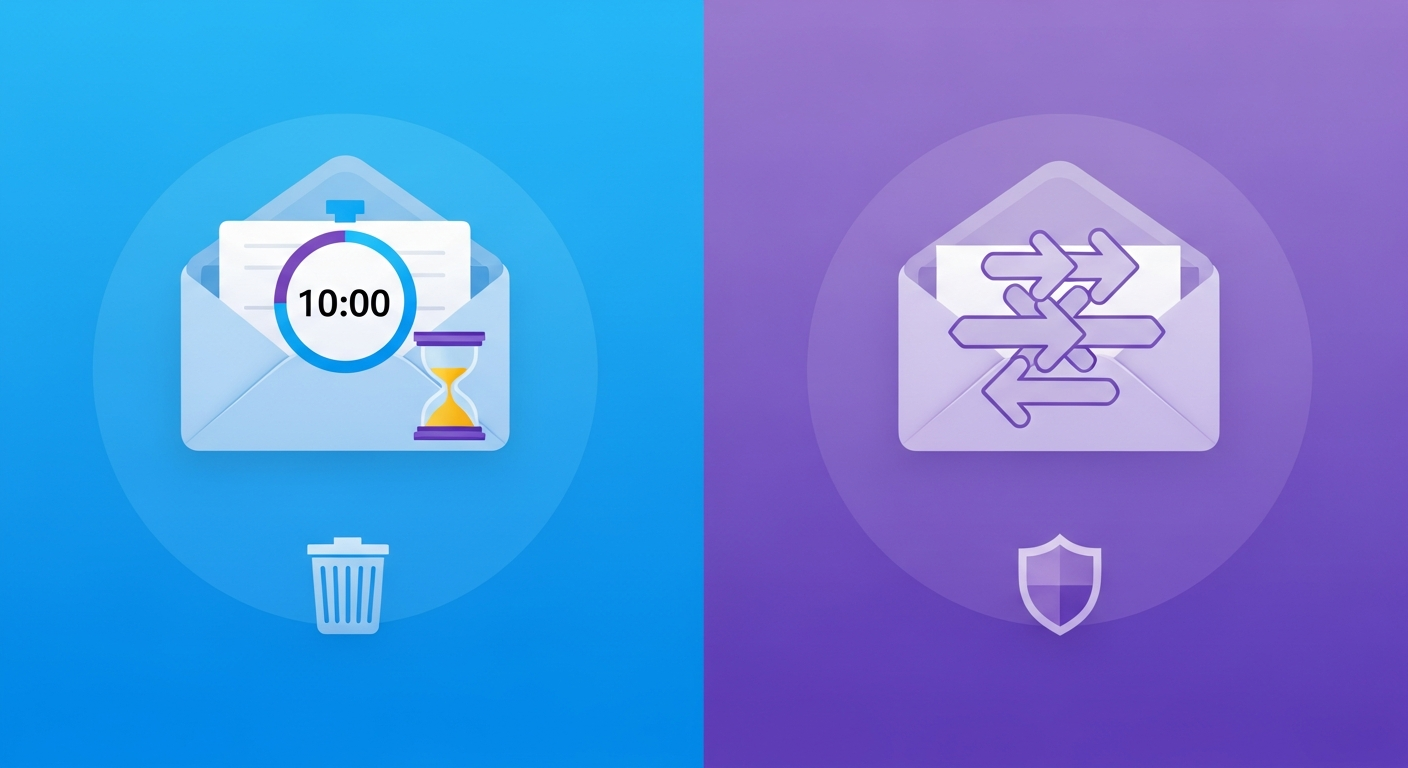
Two different approaches to temporary inboxes
The original 10-minute mail concept — an inbox that lasts exactly ten minutes — was revolutionary when it launched in the mid-2000s. It gave users a clear, no-nonsense contract: ten minutes, one inbox, then it's gone. The simplicity was part of the appeal.
But the modern internet has outgrown the ten-minute window. Multi-step sign-up flows, email confirmations that arrive after server delays, and verification processes spread across multiple sessions have made ten minutes feel constraining. One-hour email addresses — the approach used by My Temp Mail and several other modern services — offer a different contract: you have enough time to complete nearly any realistic use case without the inbox vanishing mid-process.
This guide compares both approaches across the scenarios where it actually matters.
Where ten-minute mail is more than enough
For the simplest and most common use case — enter email, wait for OTP or verification link, click it, done — ten minutes is substantially more time than you need. Most verification emails arrive in under 60 seconds. Even allowing for a slow server and a few minutes to complete the sign-up form, the whole process rarely takes longer than three or four minutes.
Ten-minute email is perfectly adequate for:
- Single-step email verification at sign-up
- OTP codes that arrive and expire within the same session
- Download gates that require a verification link
- Forum registrations that send a confirmation email
- Newsletter subscriptions with a double opt-in email
If your entire workflow fits in under five minutes, the difference between a ten-minute inbox and a one-hour inbox is irrelevant. The ten-minute service delivers exactly what you need.
Where the one-hour window makes a real difference
The ten-minute limit becomes a genuine problem in specific scenarios:
Multi-step sign-up flows: Some services split account creation across multiple pages and send confirmation emails at different stages. If a slow server delays the first confirmation email, or if you need to fill in profile information before the confirmation arrives, ten minutes can run out before you've finished.
Email chains: Some services send two emails — one to confirm your address, and a second with your welcome or account details — with a delay between them. If the second email arrives after ten minutes, you need to extend or restart your temp session.
Interrupted sessions: If something distracts you mid-sign-up — a phone call, a meeting, losing internet connection — a ten-minute inbox may have expired by the time you return. A one-hour inbox survives most realistic interruptions.
Confirmation links with delayed servers: Enterprise email systems, especially those with security scanning, can delay delivery by several minutes. A confirmation link that arrives eleven minutes after sign-up will find a dead inbox on a ten-minute service but a live one on a one-hour service.
Extending a ten-minute inbox vs a one-hour inbox
Ten-minute mail services typically offer a one-click extension — press the button and your inbox gets another ten minutes. This works fine if you're watching the countdown, but it requires active monitoring. If you forget to extend, the inbox expires and the extension button disappears with it.
One-hour inboxes generally don't show a countdown at all, or show one that's less urgent. The difference in practice is that a one-hour inbox operates passively — you don't need to watch it. It's there when you need it, for the realistic duration of any single browsing session, without any action on your part.
Privacy comparison: does inbox duration affect privacy?
From a privacy standpoint, shorter is better — a ten-minute inbox retains your messages for less time than a one-hour inbox. If the temp mail service's server were compromised, a ten-minute inbox would expose less data (assuming active deletion, not just expiry of the timer).
In practice, this distinction is academic for most use cases. Whether your throwaway messages exist for ten minutes or sixty, what matters is whether they're genuinely deleted at expiry rather than just becoming inaccessible. Services that permanently delete rather than archive are more important than the length of the window.
My Temp Mail deletes all message content permanently at session end. The duration of the session is a usability choice, not a privacy one, given that deletion is complete either way.
Which is right for you?
The honest answer is that for most people in most situations, the difference doesn't matter. If your usual workflow is "generate address, complete sign-up, receive verification email, done," pick whichever service feels cleanest to use. Both do the job.
The cases where you should prefer a one-hour inbox over a ten-minute inbox:
- You regularly deal with multi-step registrations that span more than a few minutes
- You use services that are known to have slow or delayed email delivery
- You're easily interrupted and can't guarantee continuous attention for the full sign-up process
- You're signing up for services that send multiple confirmation emails
The cases where a ten-minute inbox is the better choice:
- You want the shortest possible data window for maximum privacy
- Your use case is purely OTP codes that arrive in seconds
- You prefer the clarity of a visible countdown to confirm the inbox is still live
The real limiting factor: domain blocklists, not time
In practice, the ten-minute versus one-hour debate is less important than domain variety. The biggest practical barrier to using temp mail in 2026 is not inbox duration — it's websites that block known disposable email domains. A service with a large, actively maintained domain pool will succeed on websites where a service with a single well-known domain gets blocked, regardless of whether the inbox lasts ten minutes or one hour.
When evaluating temp mail services, domain variety and real-time delivery are higher priorities than inbox duration for most users. Duration is a secondary consideration that matters primarily when you have complex multi-step flows to complete.